
Automotive / SaaS · 2024
Cox Automotive
Product Design + UX Design
- Duration
- 6 Weeks
- Team
- Myself, Product Owner
An inventory segmentation app that lets dealerships group vehicles by attribute and apply pricing, marketing, and promotional rules automatically.
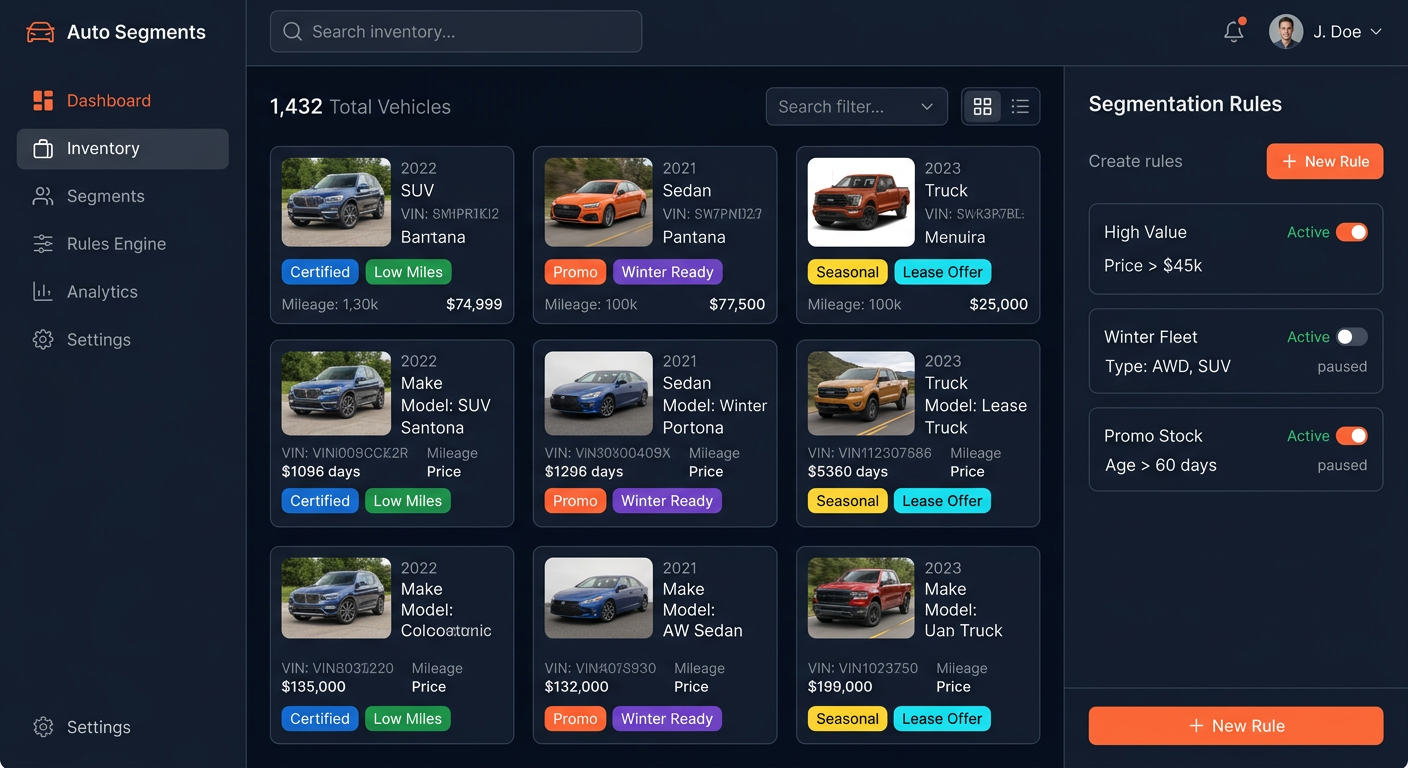
The challenge
Cox Automotive saw a market opportunity and hired me to create an app that let auto dealerships define segments of vehicle inventory based on vehicle attributes, in order to apply rules such as third-party marketing, seasonal pricing, and promotional events. The hard part: define what segmentation even means, then design an app that's intuitively useful with no need for support or documentation.
Our approach
- Defined a segment as a predefined collection of vehicles to which business rules can be applied — the foundational concept the entire app had to make self-evident.
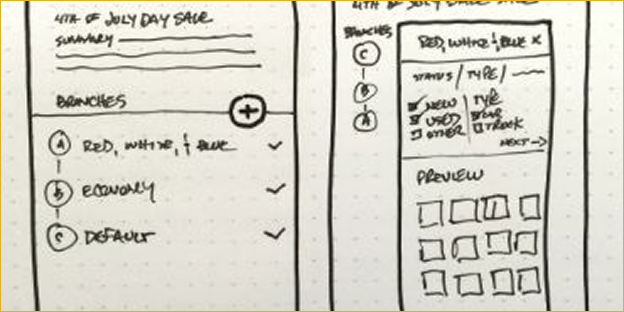
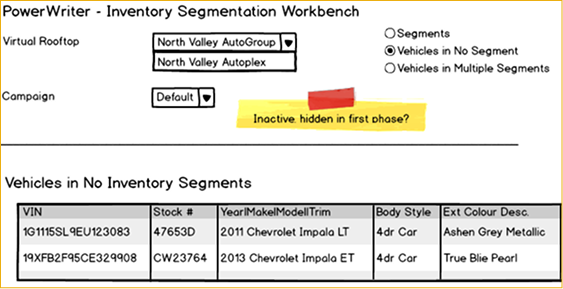
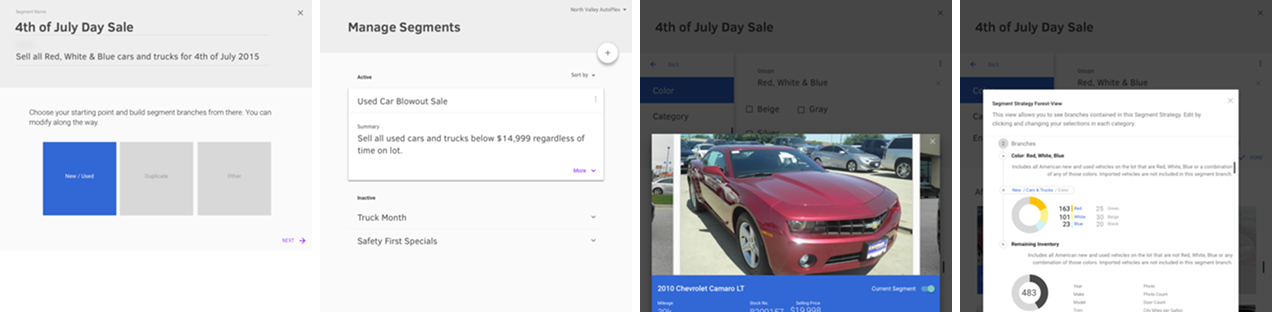
- Set core segmentation rules: vehicles cannot belong to more than one segment, all non-segmented vehicles fall back to a default rule, segments can be previewed before finalizing, and vehicles can be moved between segments.
- Rapid-prototyped medium-fidelity wireframes in Google Material, iterating quickly on user path and basic interface layout.
- Tested a static clickthrough prototype in InVision with select dealership users and gathered direct feedback.
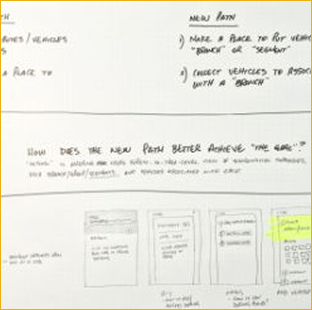
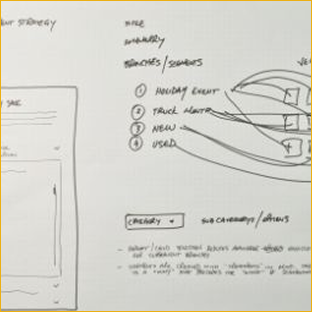
The process
Results
Delivered a working, testable prototype in 6 weeks
Dealership testers understood segmentation without documentation or support
Testing dealership asked, unprompted: "How soon can I use this?"
Next project
NadineWest